

有如下需求:/www/www.02405.com/uploads 目录中包含多个…
有如下需求:/www/www.02405.com/uploads 目录中包含多个…

今天向服务器中上传了一个12G的zip文件,然后在宝塔面板中点击解压,提示已加入…

通过ftp向linux系统上传了一个12G的zip文件,运行unzip解压命令报…
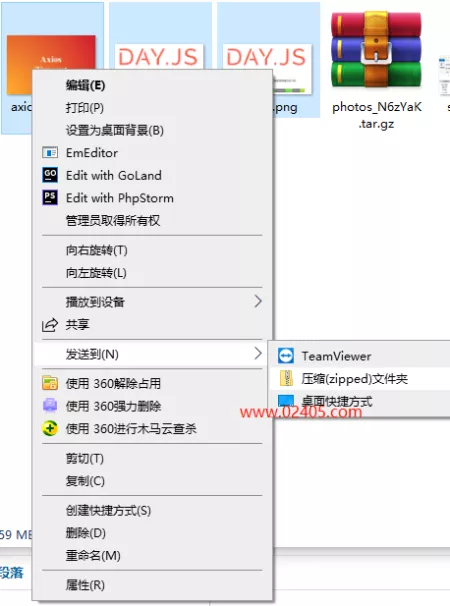
Windows系统都是默认支持压缩zip文件的,相比之下winrar软件就比较流…
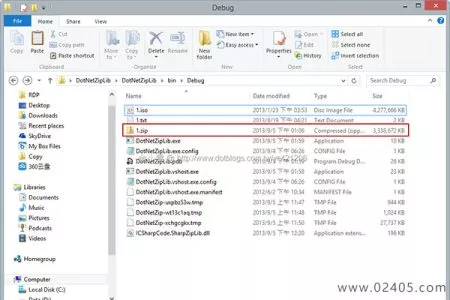
SharpZipLib :https://github.com/icsharpc…

从 .NET Framework 4.5 版本开始,微软为 .NET 类库增加了…
打开WinRAR程序,选择选项-设置,在弹出的设置窗口中依次点击压缩-创建默认配置,将压缩文件格式从RAR修改为ZIP,这样修改后,再用鼠标右键创建压缩文件时,就会发现文件默认会